Add to Selection
How to temporarily save files into My Selections
Learn how to gather files into a temporary “My Selections” area for quick reference while working in Razzbonic.
When you would like to bulk select multiple assets from multiple albums, this is possible using My Selections.
While bulk selecting assets from a location, click the ‘Remember Selection’ icon:

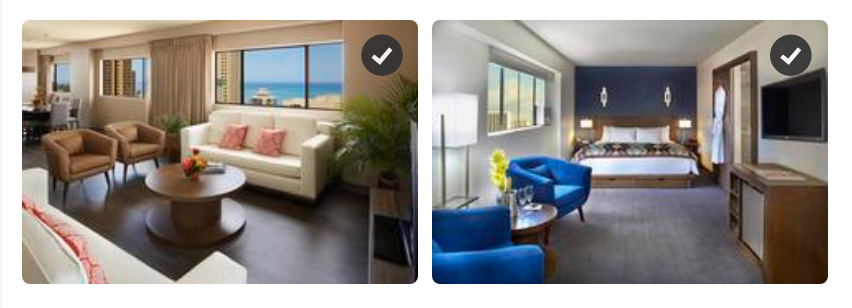
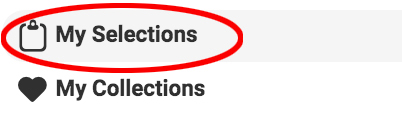
Once you have completed your selection you will find your My Selection on the lower left side of your screen.
When you have all the files that you need you can then simply click on the Share or Download icon.
To make your selection more permanent save them to MY Collection.
To remove assets from My Selections, select the files and click remove.