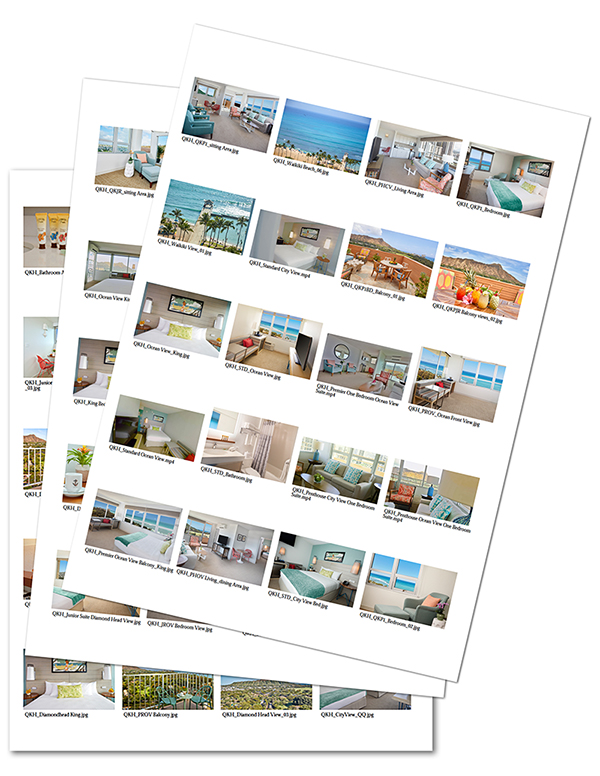
Print a contact sheet
To download a contact sheet for a folder or album, navigate to the information page for that folder or album by choosing it in the folder tree and selecting the “View Detail Information” button (lower left corner)
 To download a printable PDF contact sheet with specific or multiple media select them by adding them to your. ADD TO MY COLLECTION. Name this Collection. You can add or remove files once you name this collection.
Go to the category folder tree, bottom left and select the MY COLLECTION. Click on the new Collection that you just made.

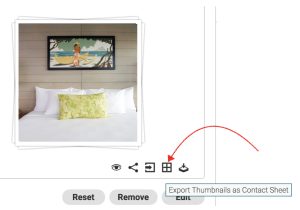
Then, select the “Export Thumbnails as Contact Sheet” button.

Export Contact Sheet with Metadata
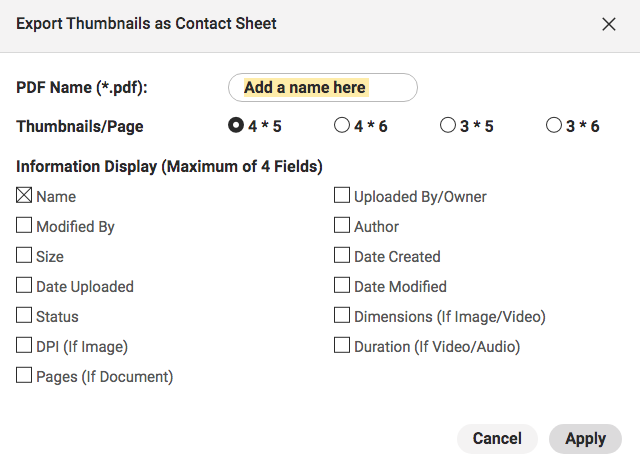
Next, you will have the option of the PDF name and the amount of image thumbnails per page. After selecting from these options, select the Apply button